Press
Press kit
For writers and directory listings: what to call it, descriptions ready to copy, the facts, and images you can use.
Name and tagline
Name it
Tattle for Mac, by Polytopic Systems
The first time you mention it; after that, “Tattle” is enough.
Tagline
Your Mac talks behind your back. Tattle tells you.
Descriptions
About 25 words (26)
Tattle for Mac, by Polytopic Systems. A menu bar network monitor and firewall that shows which apps connect where, and lets you allow or block them.
About 50 words (56)
Tattle for Mac, by Polytopic Systems. A menu bar network monitor and firewall for people who want to know what their apps do online. It lists every connection by app, explains each verdict, and blocks by app, domain or port. History stays on the Mac. Needs macOS 26 on Apple silicon; approve its network extension once.
About 100 words (105)
Tattle for Mac, by Polytopic Systems. A menu bar network monitor and firewall for people who want to see and decide what their Mac’s apps reach. It starts by watching: every connection is listed under its app, with a sentence on why it was allowed or blocked. Ask mode asks about connections no rule covers; Lockdown blocks whatever has no rule. Rules name apps by code signature, domains, addresses, ports and directions. Optional encrypted DNS sends lookups to a resolver you choose. History and alerts stay on the Mac; an optional assistant is off until you pick a provider. Needs macOS 26 on Apple silicon.
Facts
- What it is
- Tattle for Mac, by Polytopic Systems: a menu bar app that shows which apps on your Mac connect where, and lets you allow or block them.
- Who it’s for
- Anyone who wants to see what their Mac’s apps do on the network and decide what they may reach, without being a network expert.
- Requirements
- A Mac with Apple silicon running macOS 26 or later.
- Runs on your Mac
- The firewall, its rules, the connection history (30 days by default), the DNS log (7 days) and the optional DNS proxy all run and stay on your Mac.
- Leaves your Mac
- License and update checks to this website; downloads of blocklists you subscribe to; lookups to your chosen resolver if you turn encrypted DNS on; and, only if you turn the AI assistant on with a provider off your Mac, the connection details you approve.
- What it doesn’t do
- No account, no analytics, no cloud copy of your history, and it never reads what apps send: it sees connections, not their content.
- Licensing
- A license is a key, with no account. Personal covers 3 Macs and Business 10; buy this version with its updates, or lifetime updates. Prices are in the Plans section of the home page.
- Availability
- Not released yet. The download button on the home page starts working on release day.
- Made by
- Polytopic Systems, a studio of Tech on Tires, LLC (polytopic.systems).
- Website
- tattle.polytopic.systems
Images
App icon
Polytopic Systems wordmark


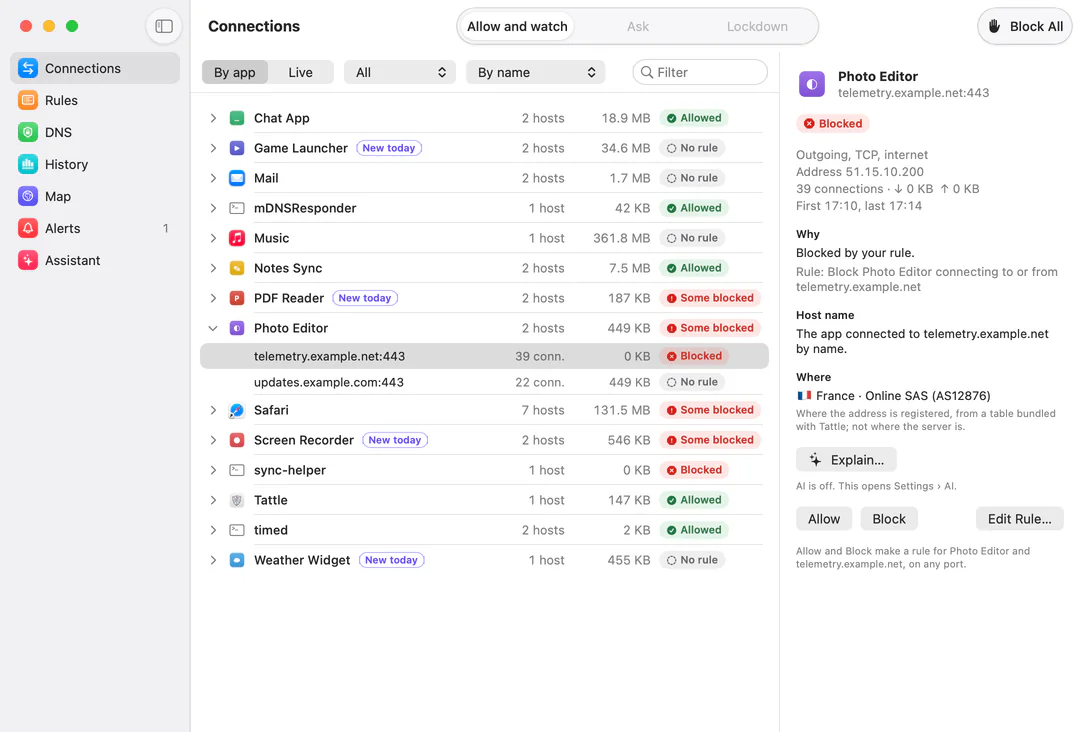
Screenshots
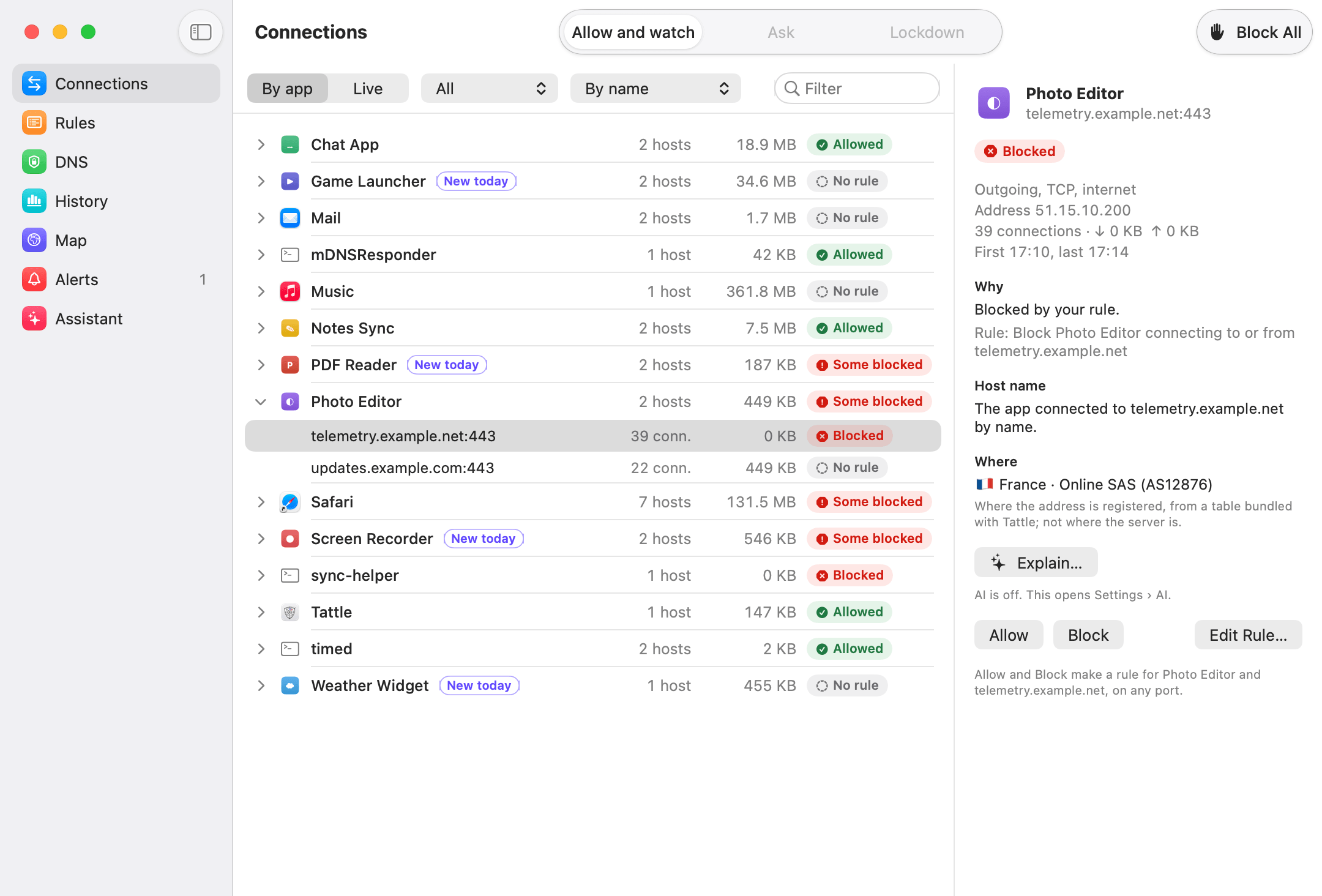
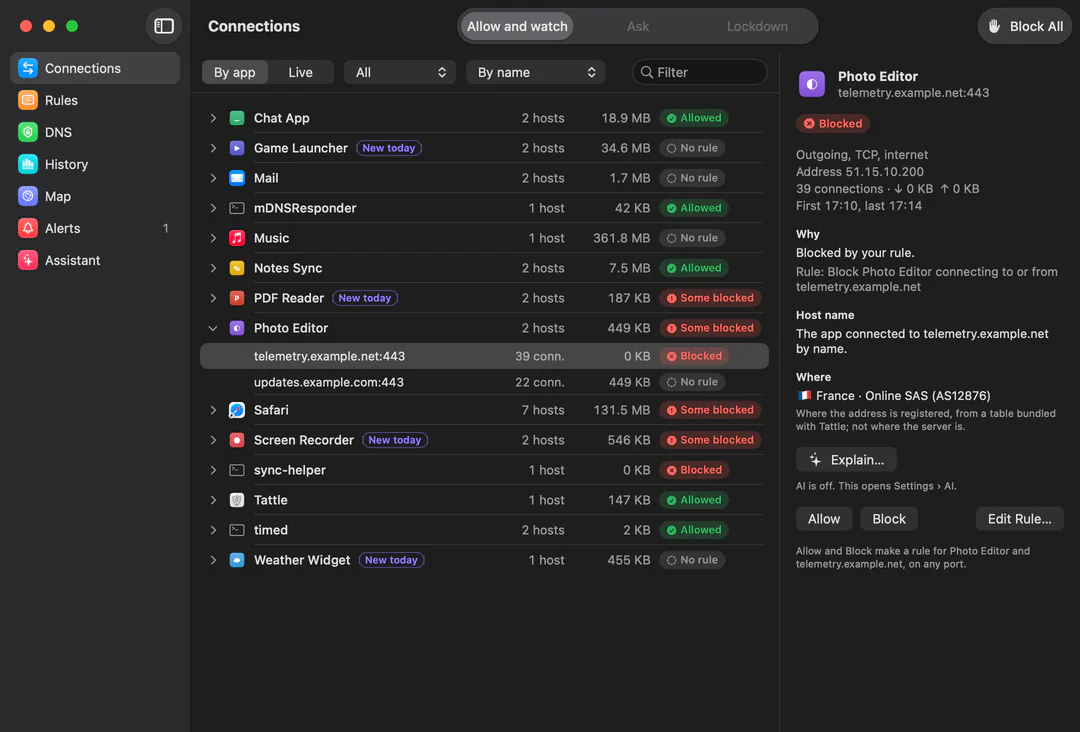
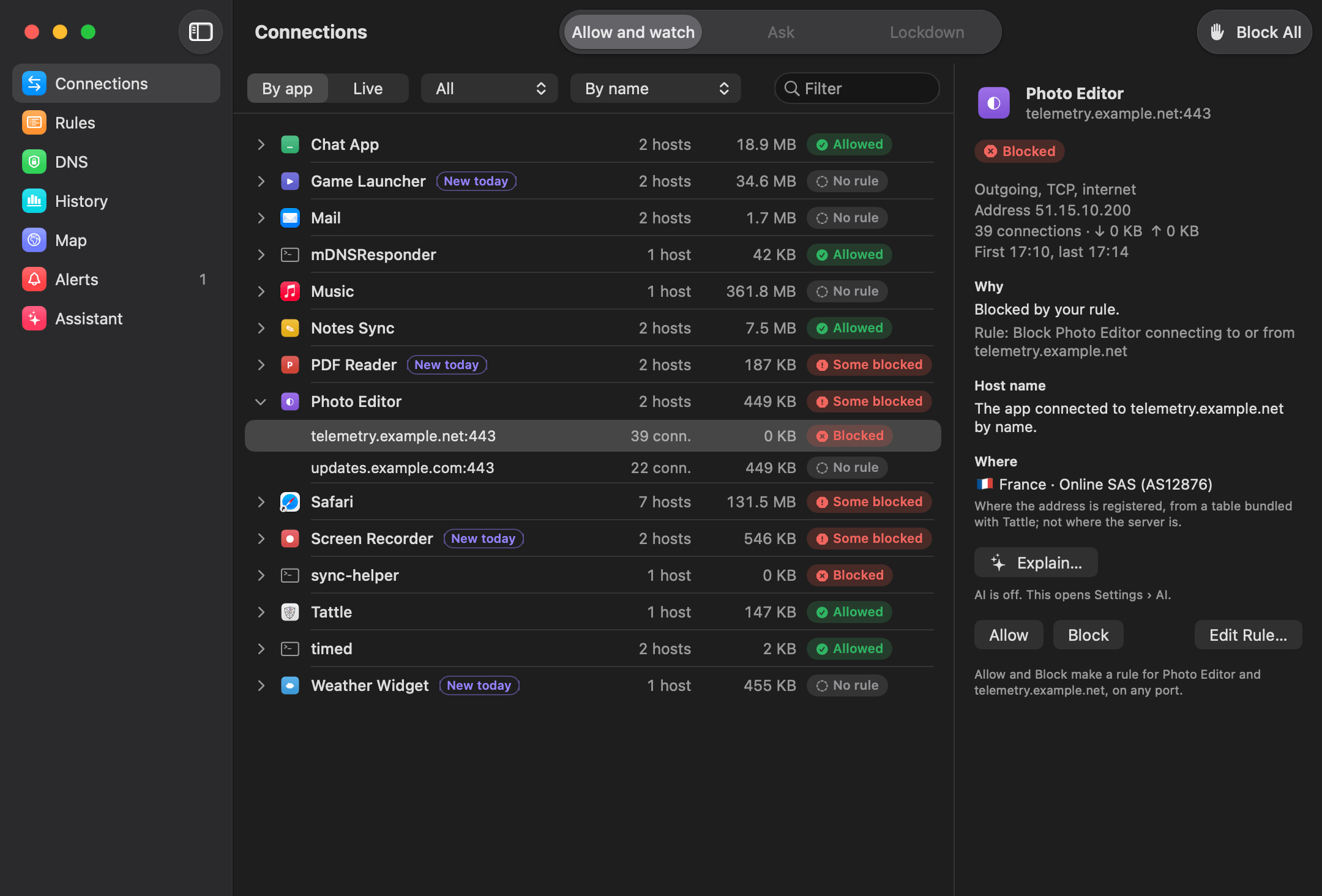
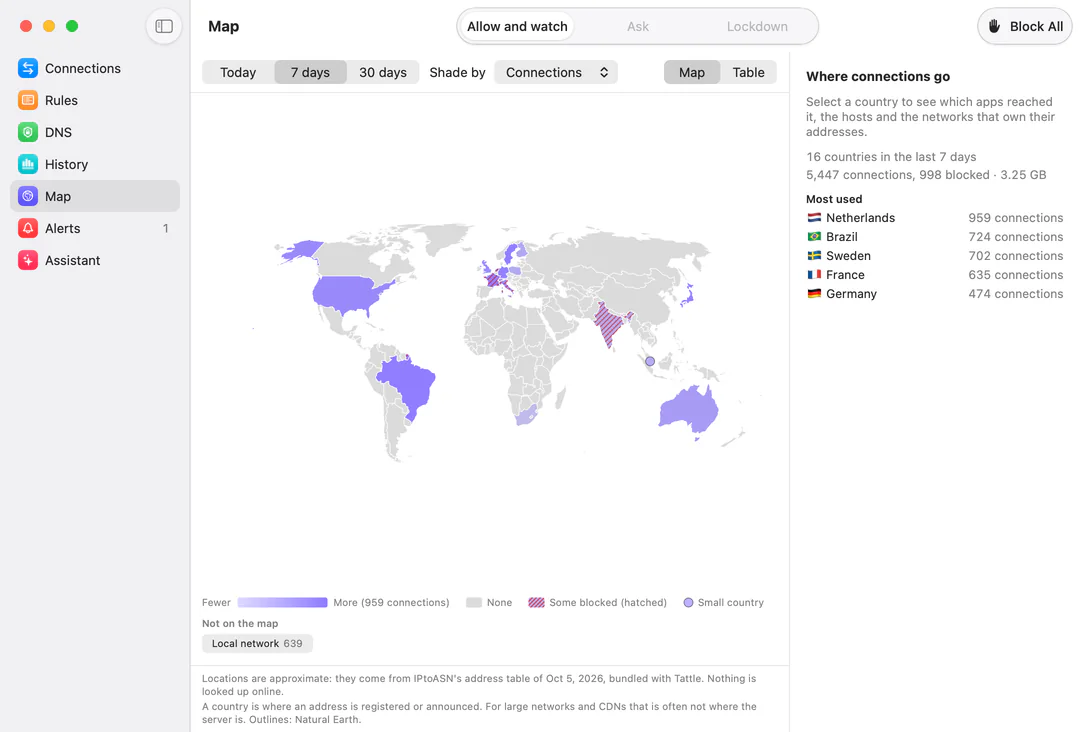
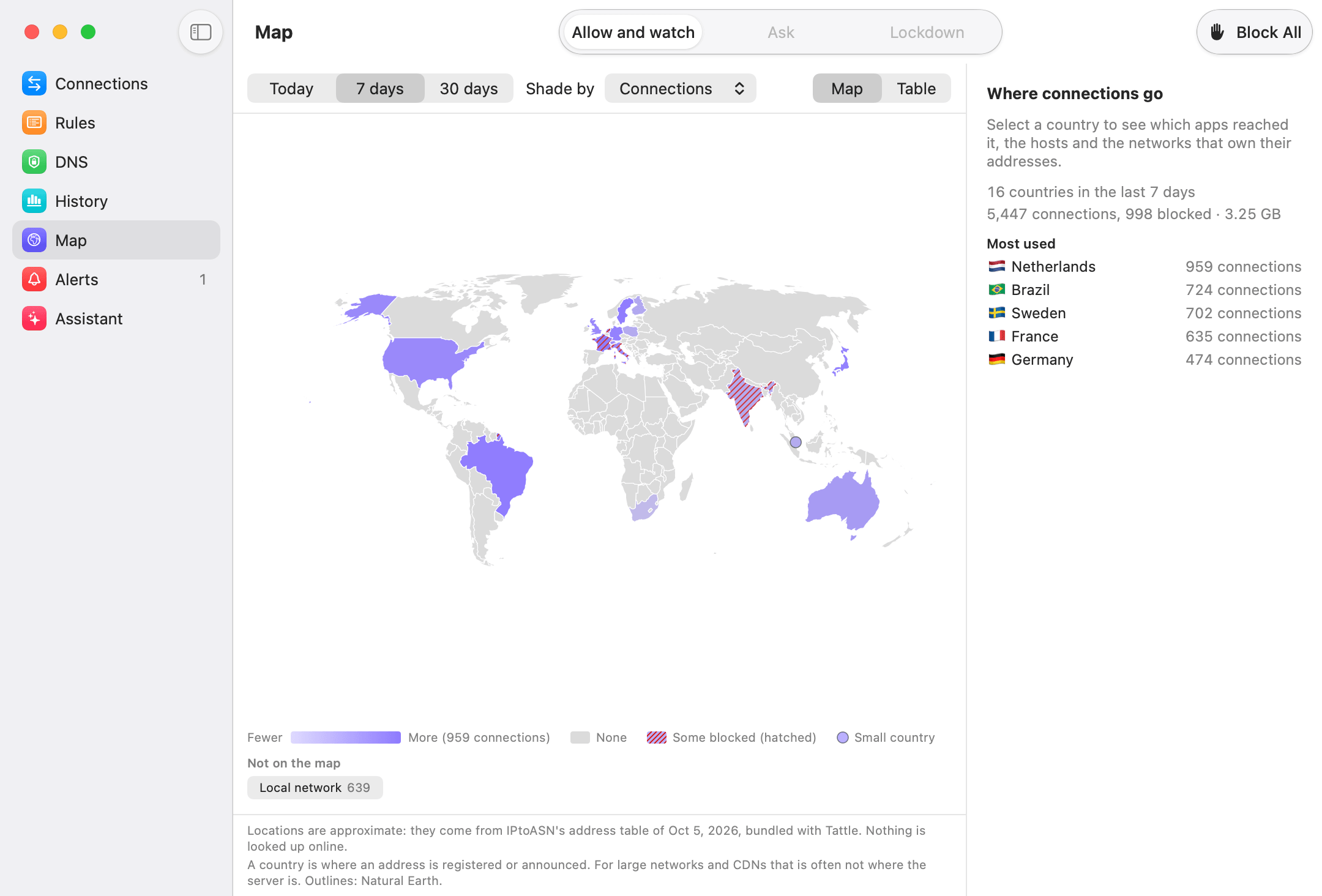
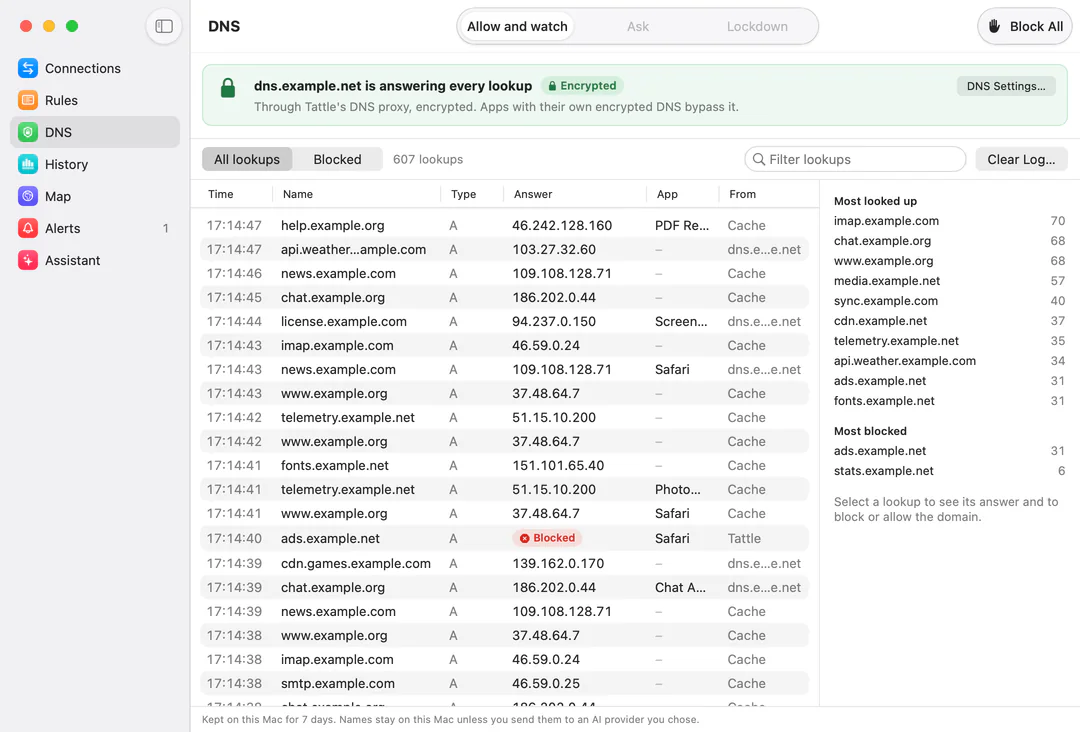
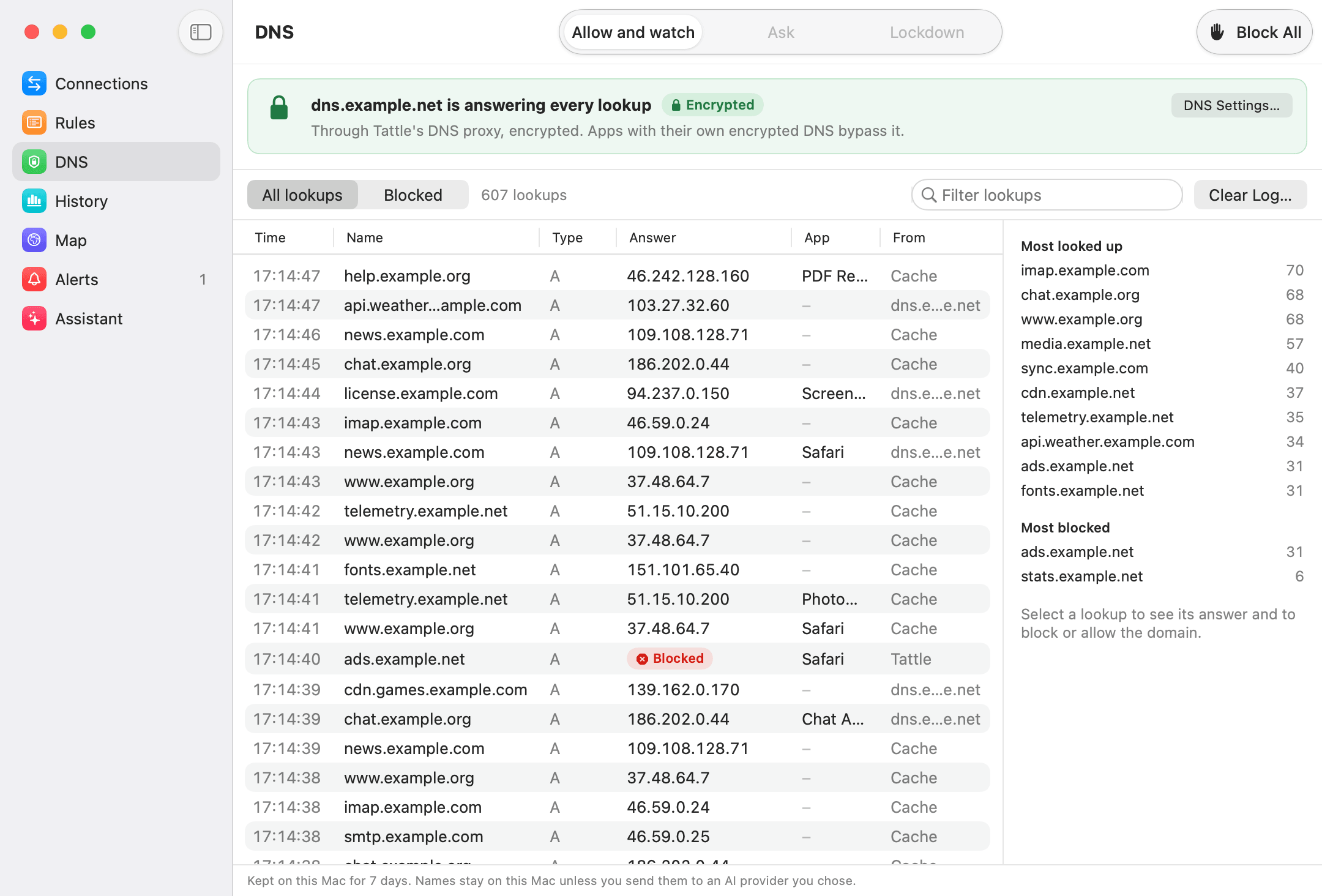
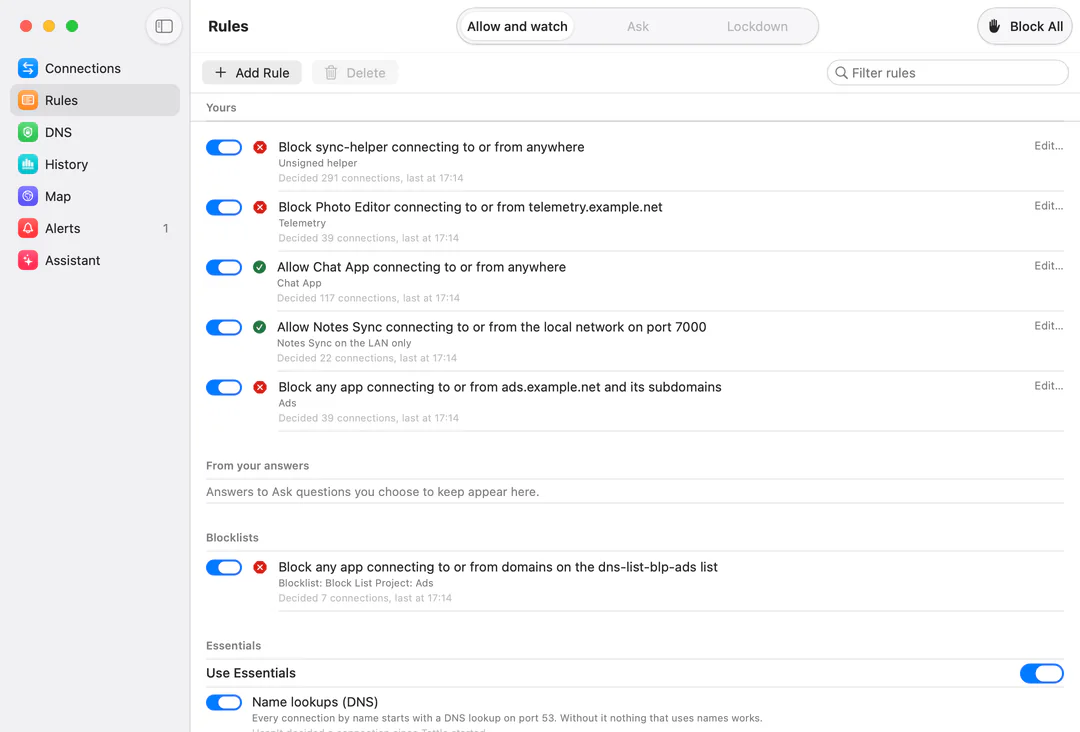
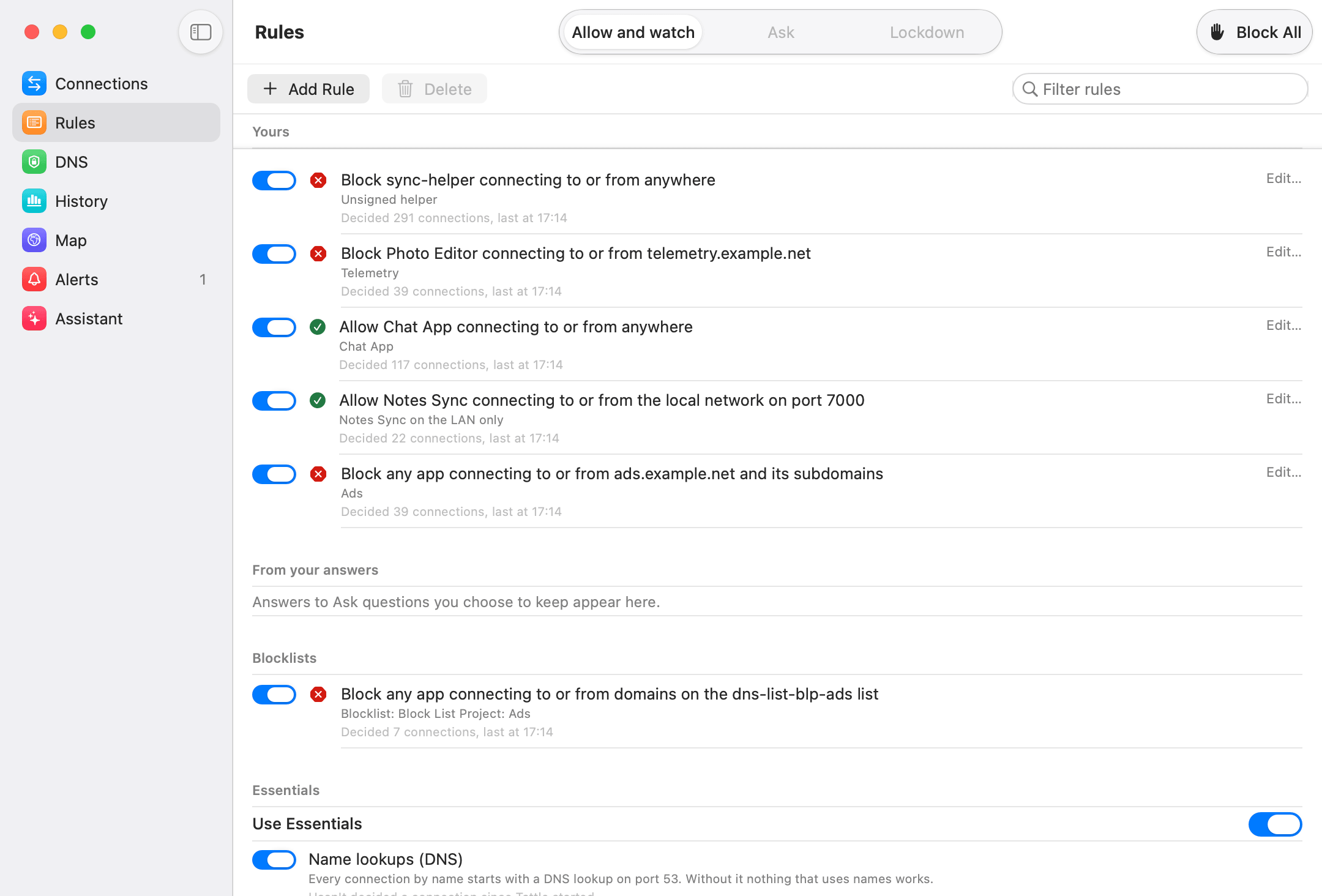
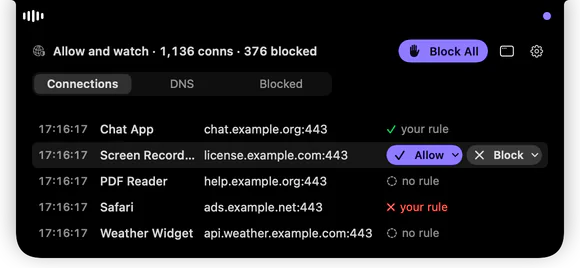
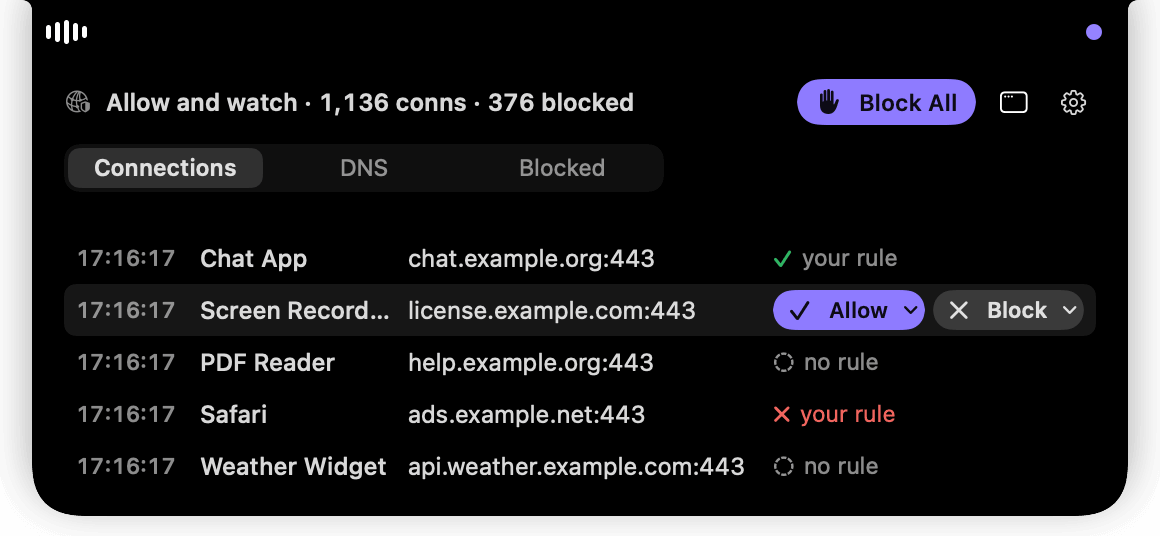
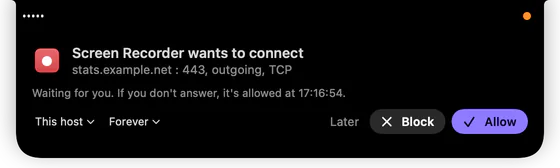
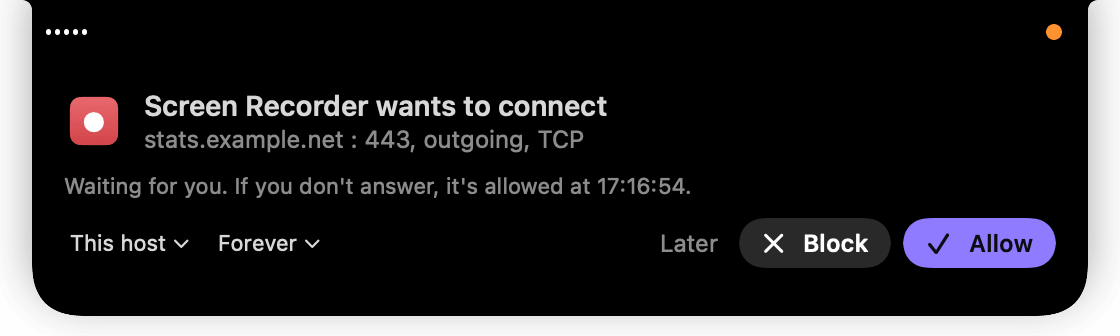
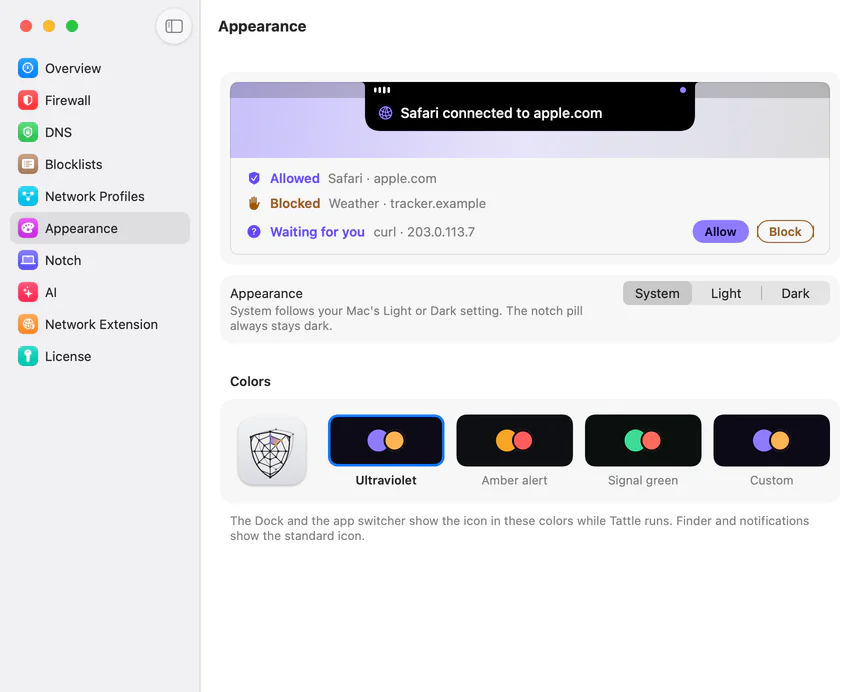
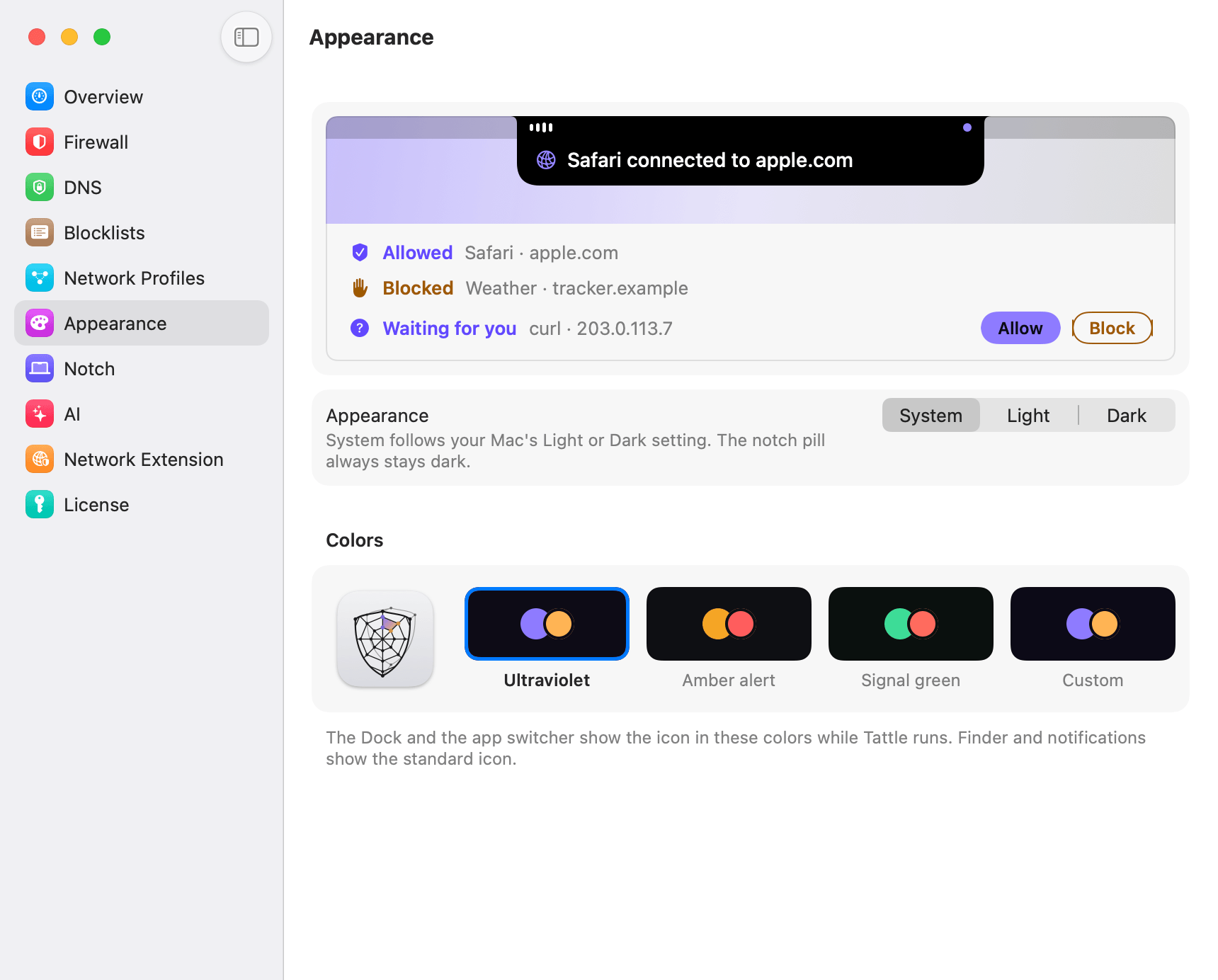
The app’s own screens, drawn by the app on an invented Mac: made-up apps, hosts on the example domains, simulated traffic. PNG at twice the size shown in the app.
Promo film
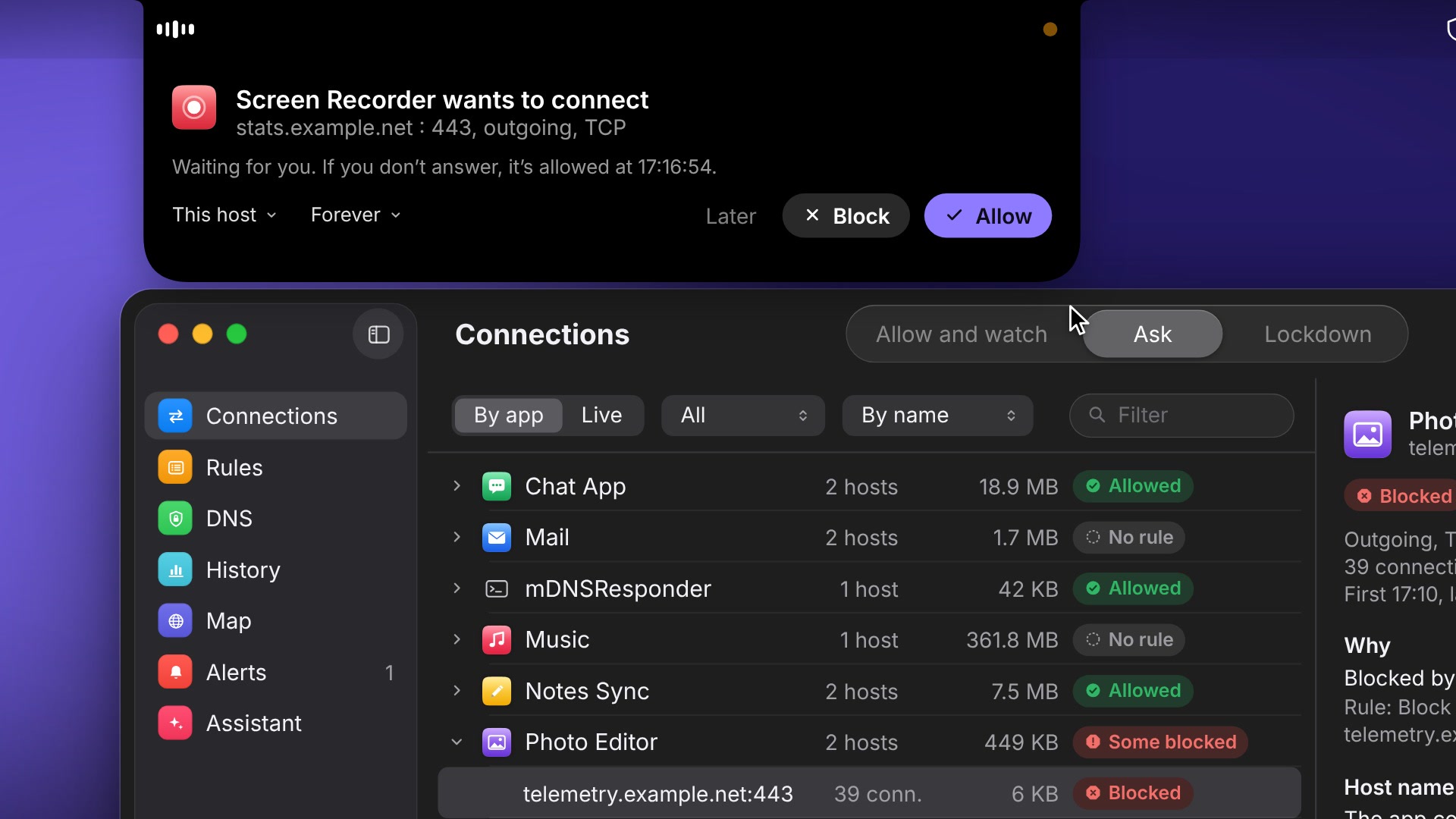
Press play to watch it here, with sound. It streams from Mux, our video host, only after you press play; until then nothing on this page is requested from Mux.
The poster is a still from the film. Download the still (JPEG, 1920 × 1080).
Embed code (Mux player)
<iframe src="https://player.mux.com/6c02LV2r46w3g77crscE6jui8WZahi01ZpxB6RAg60200Do" title="Tattle" style="width:100%;aspect-ratio:16/9;border:0" allow="fullscreen; picture-in-picture" allowfullscreen></iframe>
Contact
Questions, interviews or anything else: use the contact page at on.tires.